
07 · Animate a bouncing display
entityByUUID<ItemDisplay> locates the display just summoned. It starts with a Y offset of 4. Each callback passes (frame + 1) / 50.0 to bounce and writes the new height to display.transform.y. Frame 49 performs the final write before returning false to stop.
mcfpp
    const display = entityByUUID<ItemDisplay>(UUID("0-0-0-0-49"))
    display.transform.y = 4.0
    tick { frame ->
        var progress = (frame + 1) / 50.0
        display.transform.y = (1.0 - bounce(progress)) * 4.0
        return frame < 49
}Try it
In IDEA, choose Run (Render) beside main, then Play to watch the stone fall and bounce. Compare the timers in timers. loop(10) executes its callback at indices 0, 1 and 2, while schedule(20) runs once after 20 ticks. The bounceEndpoints test checks that the curve starts at 0.0 and ends at 1.0.
These two DSB renders from the example use the same camera. Compare the display’s height with the stationary player on the right.
| Initial state | After 50 ticks |
|---|---|
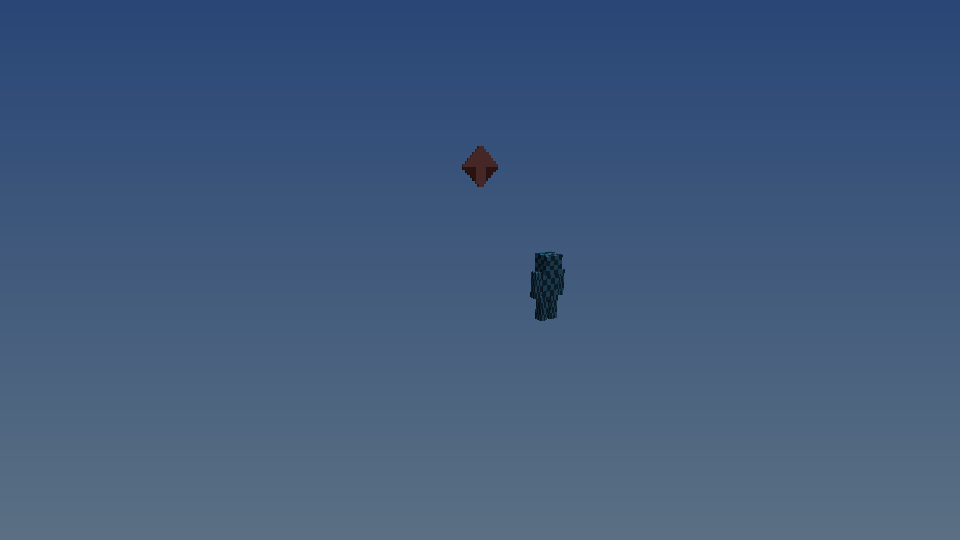 | 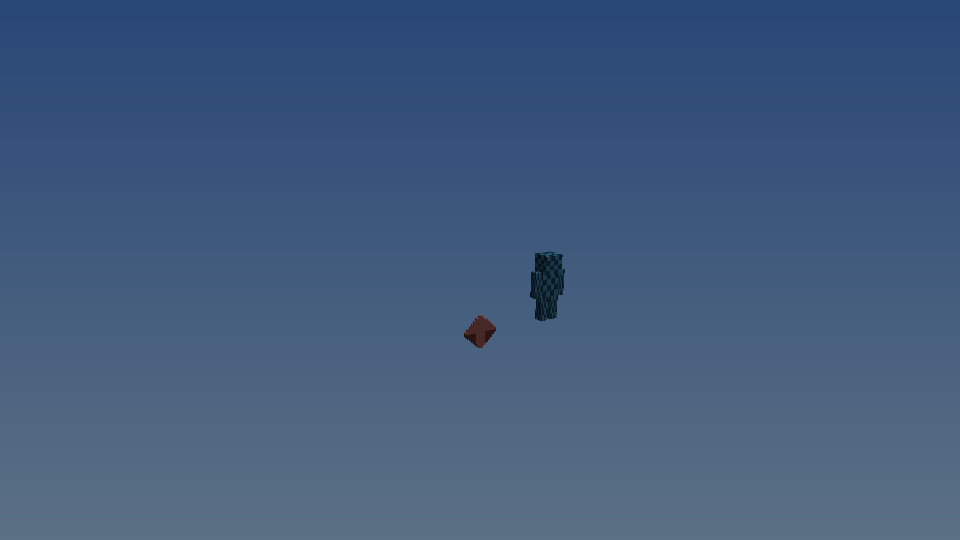 |
The in-game entry point is /function showcase.animation:main.